
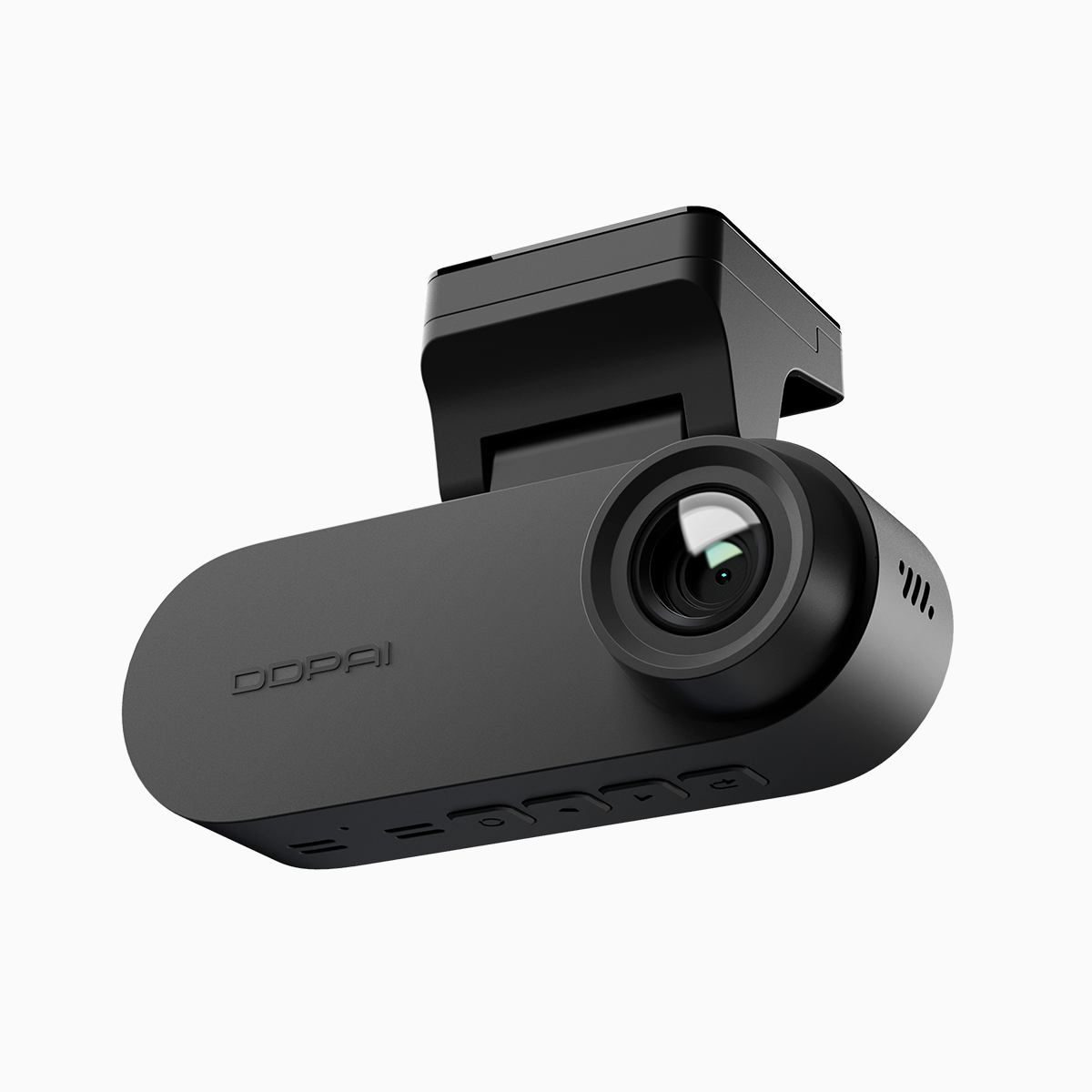
A fleet problem demanding surgical tuning
The hum of a busy delivery van hides a common irritation: persistent beeps, missed lane events, and footage that won’t prove what you need. Fleet managers know this as a maintenance drain—drivers mute alerts, safety checks slip, and liability rises. A practical step is swapping in a reliable hardware baseline, like a commercial front and rear dash cam, then treating ADAS tuning as precision work. The task is to lower false positives from lane departure warning (LDW) systems, tighten proximity alert thresholds, and keep incident capture crisp enough to stand up in a report. The National Highway Traffic Safety Administration highlights lane-departure crashes among leading roadway concerns, so calibration isn’t cosmetic; it’s safety-critical.
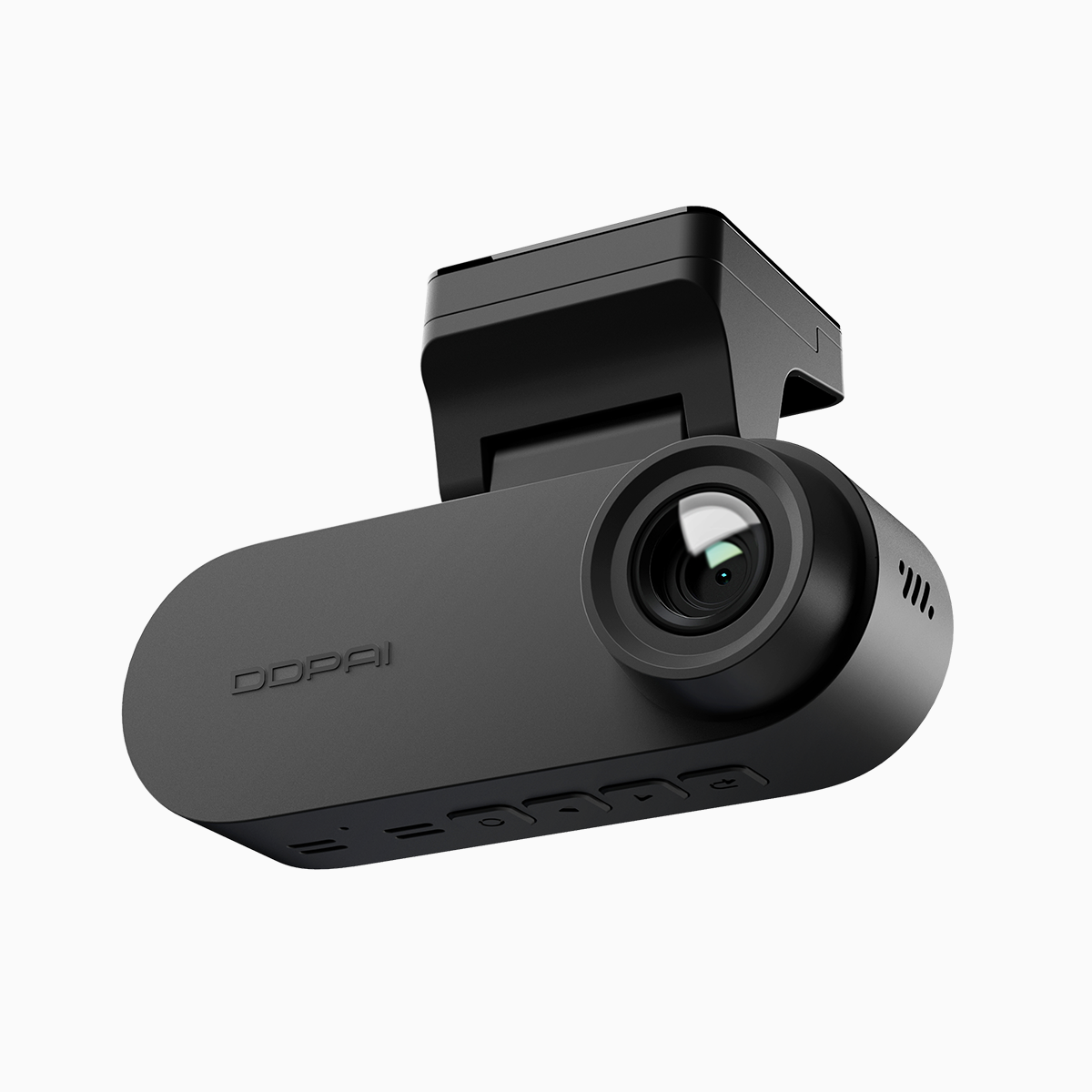
Why a 3‑channel approach matters
Three channels give context: forward, rear, and cabin or wide-angle side coverage. That extra perspective reduces ambiguity when the ADAS triggers; footage shows whether a vehicle drifted or a curb caused a bounce. A dual recording dash cam setup records synchronized streams so you can match an alert to exact frames and G‑sensor data. Technical knobs that matter include frame rate, exposure behavior (WDR), and firmware-driven algorithms for object detection. Properly aligned cameras cut false alarms and improve proximity alert consistency—especially in urban corridors with glare and tight lanes.
Step-by-step: hands-on tuning for clean alerts
Start at mounting: place the forward camera at the windshield’s optical center, level to the road, not tilted. Set the rear so its horizon sits near the middle of the frame. Update firmware to the latest ADAS package—manufacturers tweak lane detection models often. Adjust sensitivity in measured increments: reduce LDW sensitivity when repeated false lanes appear from shadows or road markings. Set proximity alert distances based on average fleet speed and stopping distance, then validate with test drives at service-weight loads. Capture logs: export G‑sensor and timestamped video to confirm which frames correspond to alerts. Iterate until false alarm rate drops and incident footage is consistently usable.
Common mistakes that undo good hardware
Teams often bolt cams without re-checking angles after loading or mounting on different vehicles. Calibration done on an empty van fails once the vehicle carries 1,000 kg—ride height shifts the lane geometry. Another slip: leaving factory sensitivity in place for every route; highway and city tuning must differ. Don’t ignore environmental settings—WDR and exposure stabilize night-time lane detection. And skip the “it’ll do” test drive at low speed; meaningful validation needs real-route conditions at operational speed. These missteps cause churn—constant tweaks, driver complaints, wasted footage—and they’re avoidable with methodical checks. —Remember: small changes compound quickly.
Practical alternatives and quick trade-offs
If full 3‑channel deployment isn’t immediately possible, place a high-quality forward cam first, then add rear or cabin as budget allows. Lower-cost sensors can mask problems with aggressive algorithm thresholds, which reduces alerts but also hides real events. Compare codecs and bitrates: higher bitrate preserves fine detail for license-plate reads but consumes storage. Balance continuous loop recording against event-triggered high-bitrate bursts—most fleets benefit from mixed modes that record steady with incident boost enabled.
Three golden rules to evaluate tuning success
1) False-alarm rate under operational conditions — Aim for a measurable drop in nuisance alerts across representative driving cycles; track this weekly. 2) Detection accuracy score — Use sample incidents to confirm that LDW and proximity alerts match ground-truth video frames; include G‑sensor timestamps to verify. 3) Incident capture quality — Validate resolution, frame rate, and bitrate ensure footage is forensically useful at night and in glare. These metrics make calibration accountable and repeatable. Implement them, and your fleet’s ADAS becomes a tool, not a noise source. DDPAI PH offers hardware and firmware options tuned for these priorities, aligning practical needs with reliable recording. Steady.